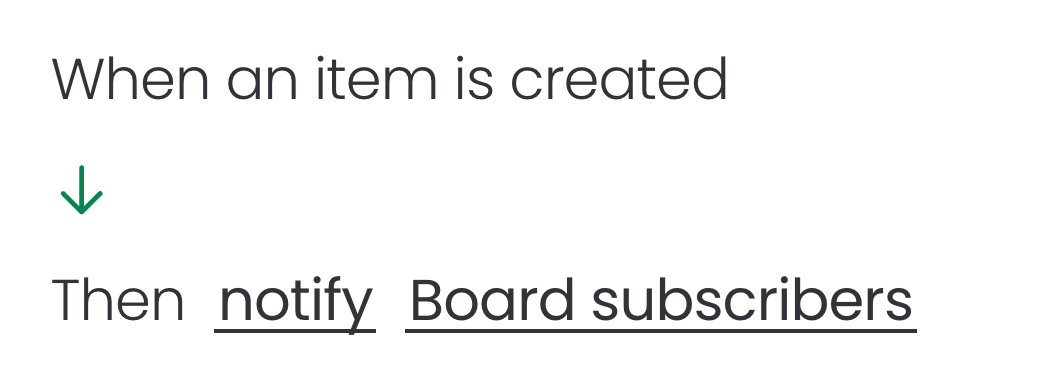
This automation can be configured directly from the board's Automation section. Follow the steps below to complete the setup and ensure the automation runs as expected:
Open the board that contains your courses
Open the Automations dashboard and click on Create automation
Choose the trigger "When item created"
- Add the action "Notify someone"
- Click on notify to customize the notification message with fields from your board
Click on someone to choose the specific users or teams that you want to notify
Create the automation
Example: