Here are the steps to install the Live Spreadsheet app in monday.com:
- The first step is to go to the App Store in monday.com, which can be accessed from the left-side menu.
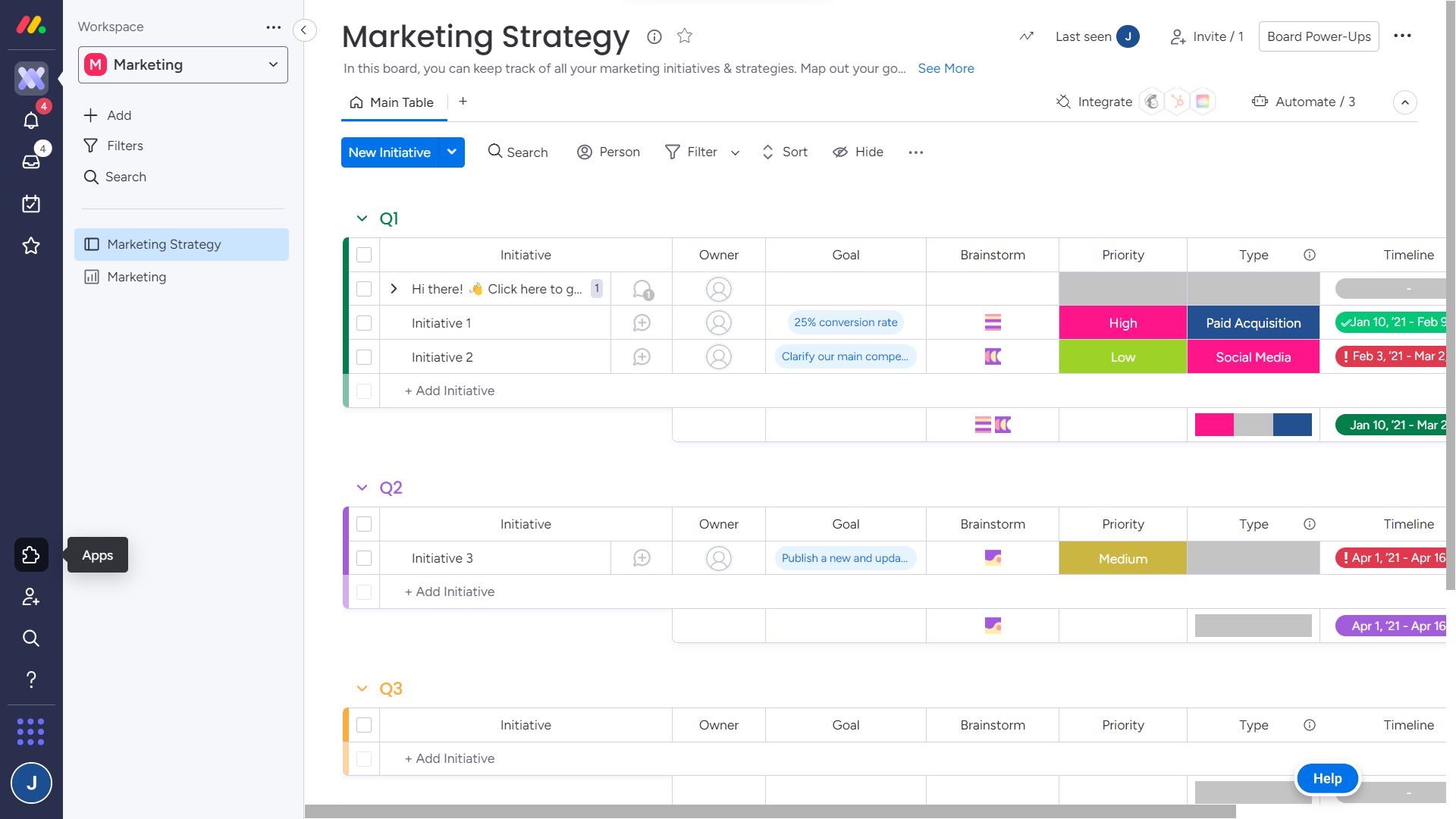
Browse or search for the spreadsheet app. Click on the app to view its details, including a description, screenshots, and pricing details.
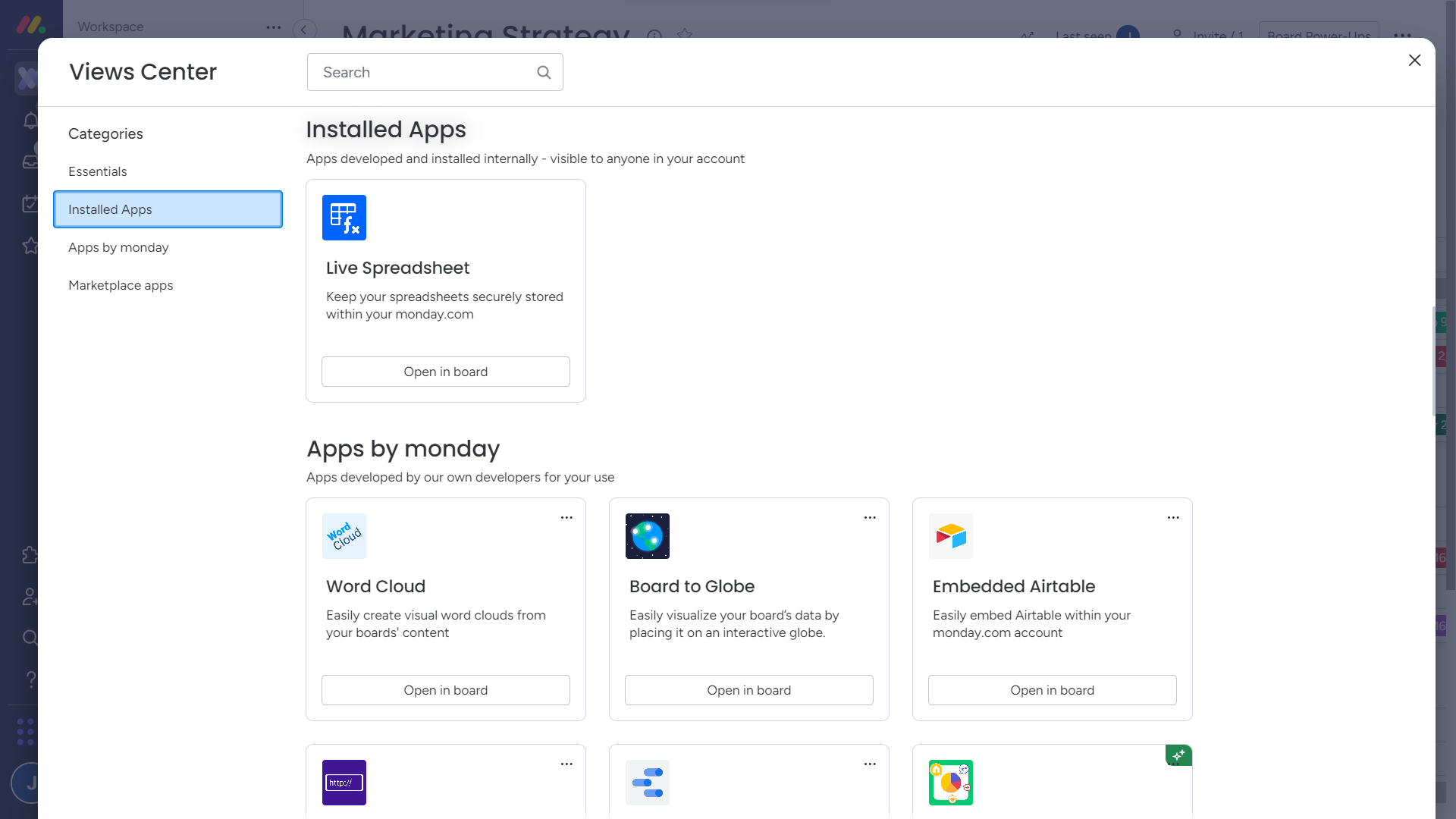
Once the app is installed and configured, you can start using the app in monday.com and add it to:
A board from the views center:
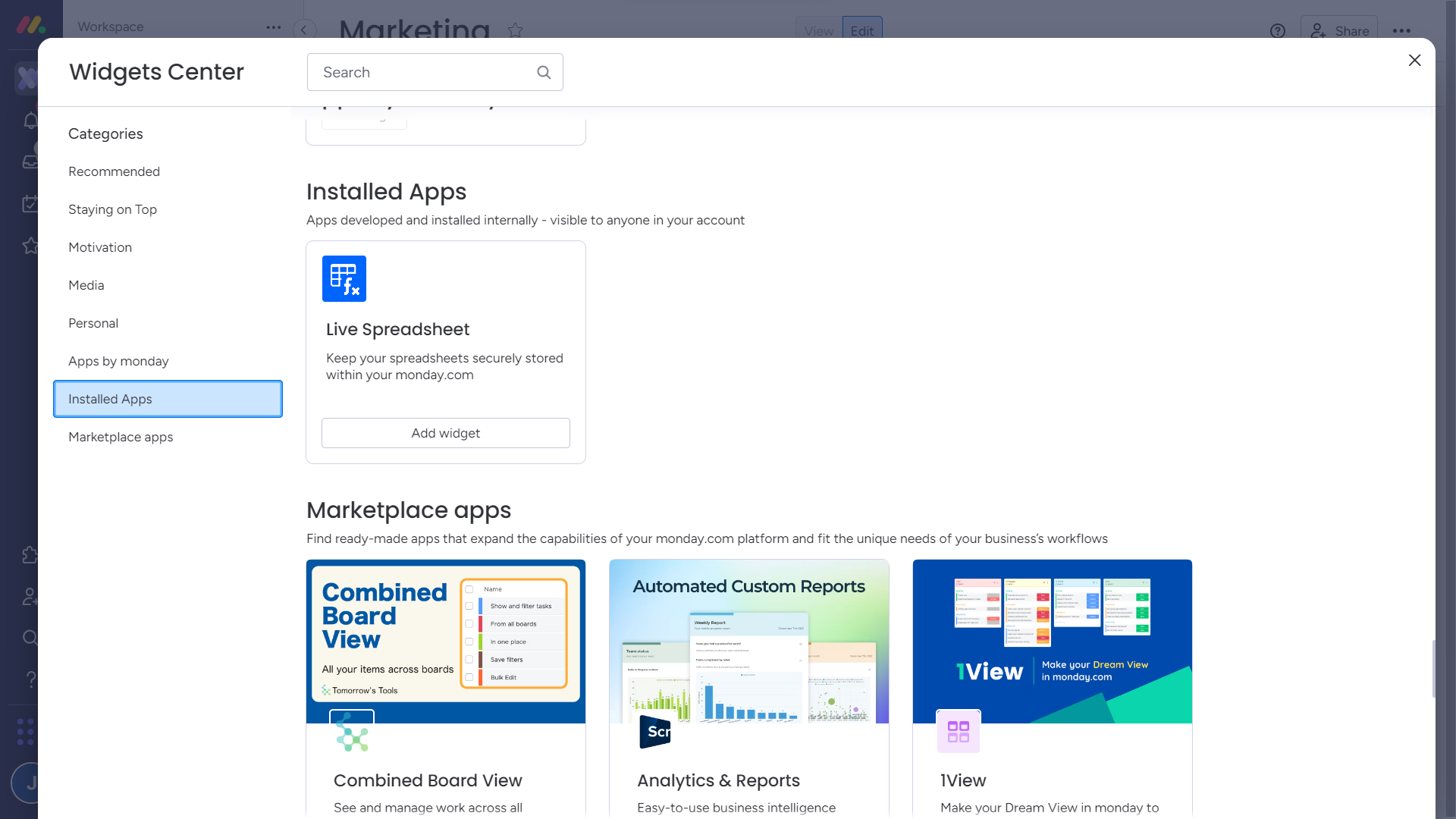
A dashboard from the widgets center:
The Live Spreadsheet can also be added to an item, to a doc or as a custom object.