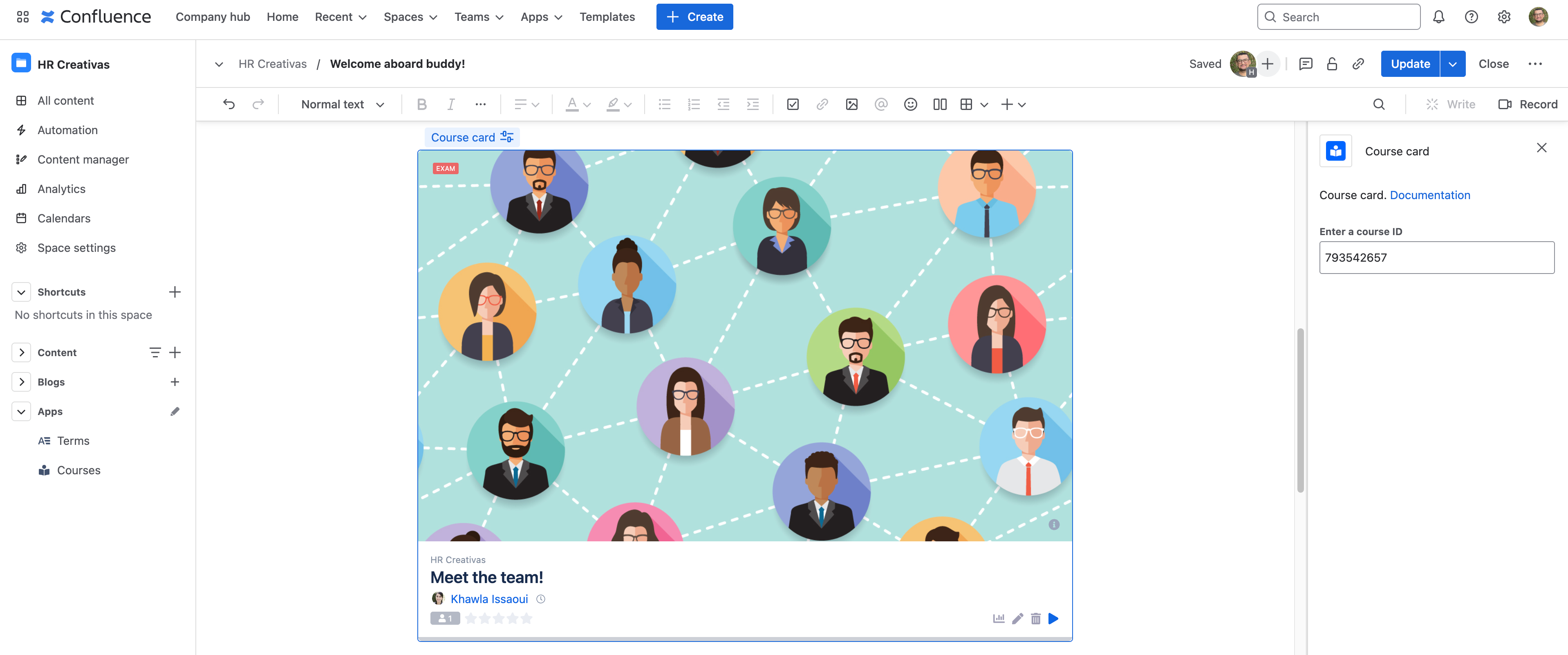
Smart Courses Cloud Smart Courses catalog Current: Course card macro Course card macro Once installed, Smart Courses adds a new Course card macro to display one card in a Confluence page.Enter a course IDInput the ID of a published course or learning path and the card will appear in the Confluence page.The ID can be found within the URL of the editor, player or preview.Example: https://creativas-demo.atlassian.net/wiki/plugins/servlet/ac/com.mute.confluence.plugins.lms/playcourse?ac.courseId=668958721&ac.spaceKey=CAURL Pattern: {BaseURL}/plugins/servlet/ac/com.mute.confluence.plugins.lms/playcourse?ac.courseId={courseId}&ac.spaceKey={spaceKey}The course ID in this example: 668958721 ×