Each term in Smart Terms is displayed separately. You can access the term viewer from the term glossary or the highlight pop-up. The Term viewer displays all terms details.
The Term viewer is useful to display the different term details and the attached media even when the highlight feature is disabled.
Overview
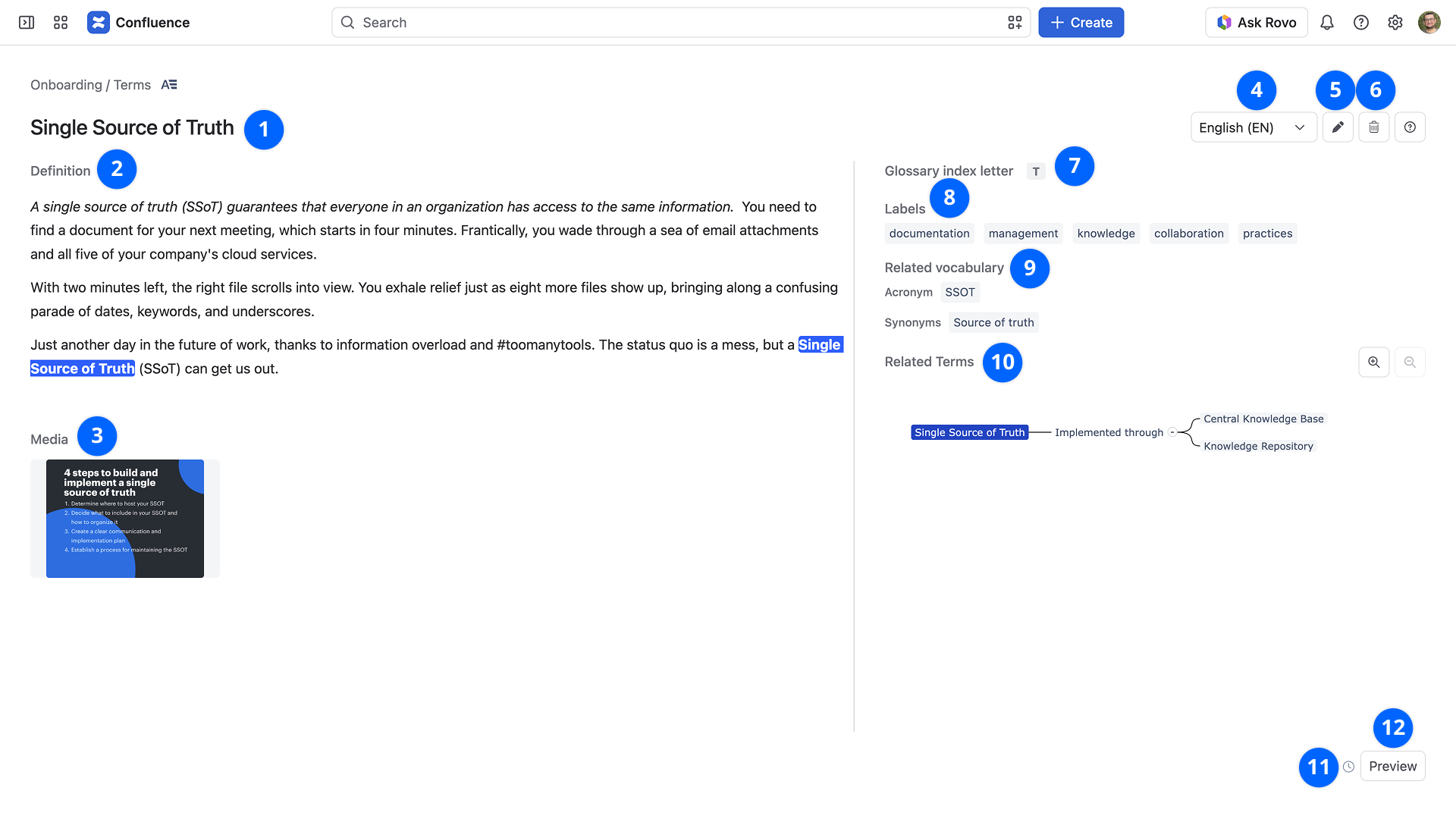
1. Title
The term title is the highlighted text within pages' content.
If the term is global or deactivated, an indication icon will display next to the title.
2. Definition
Term definition is limited to 30000 characters.
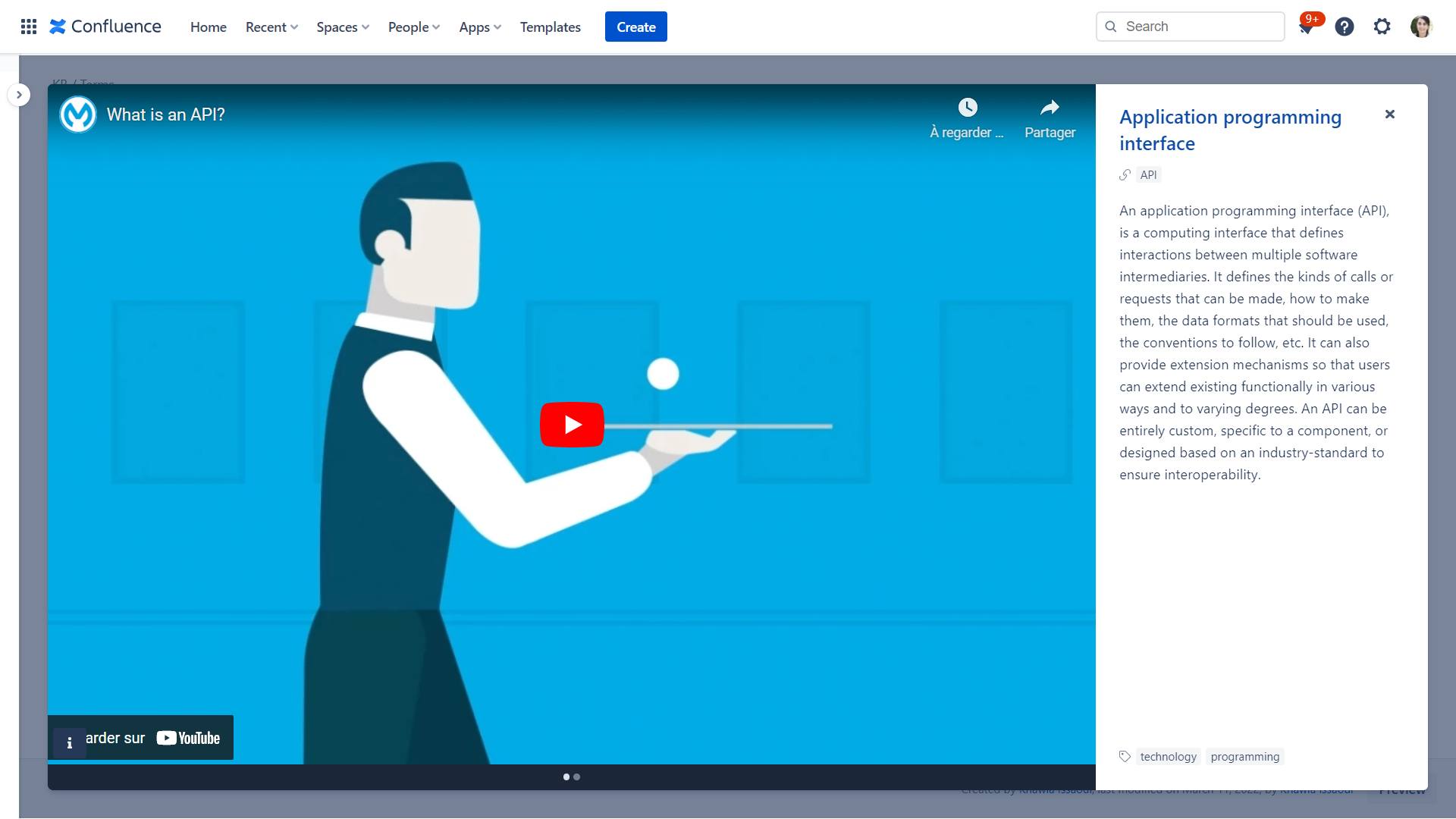
A gallery of all added media for the term displays.
In the term viewer, you can click on the media for a full-screen view.
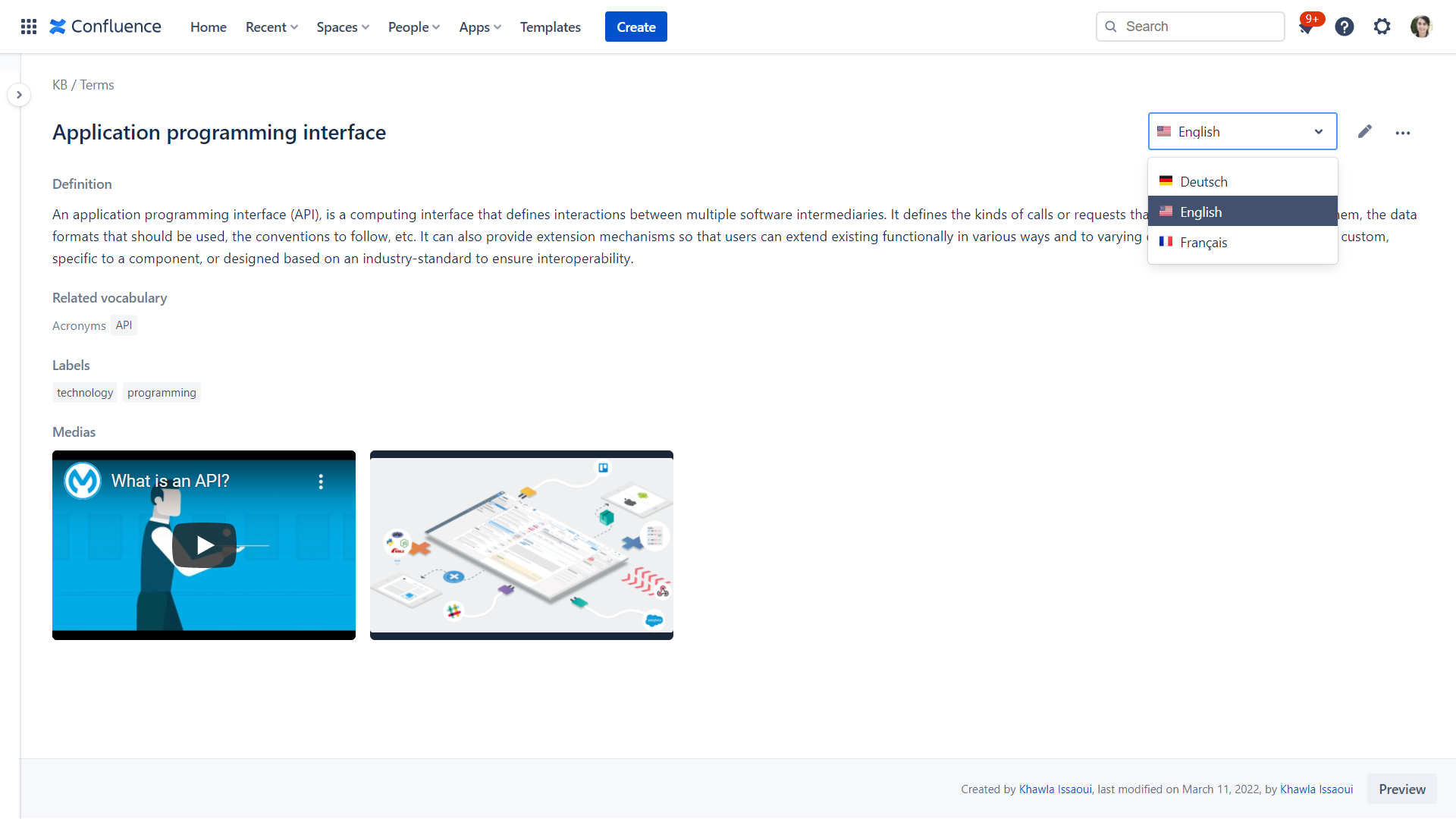
4. Term language
Switch to view the term in different predefined languages.
5. Edit
The Edit button opens the term editor page.
6. Delete term
Delete the term and redirect to the Glossary of the current space.
Term options display depending on the user rights. Check the Role matrix for further details.
7. Glossary index letter
Enable the custom letter feature to modify the default glossary index letter.
The custom letter can have up to 3 characters.
8. Labels
Label list for the term.
Related vocabulary of the term.
Display all related terms with the relation description.
This provides details about the term's creator and last modification date.
12. Preview
Display a preview of the term highlight pop-up.
