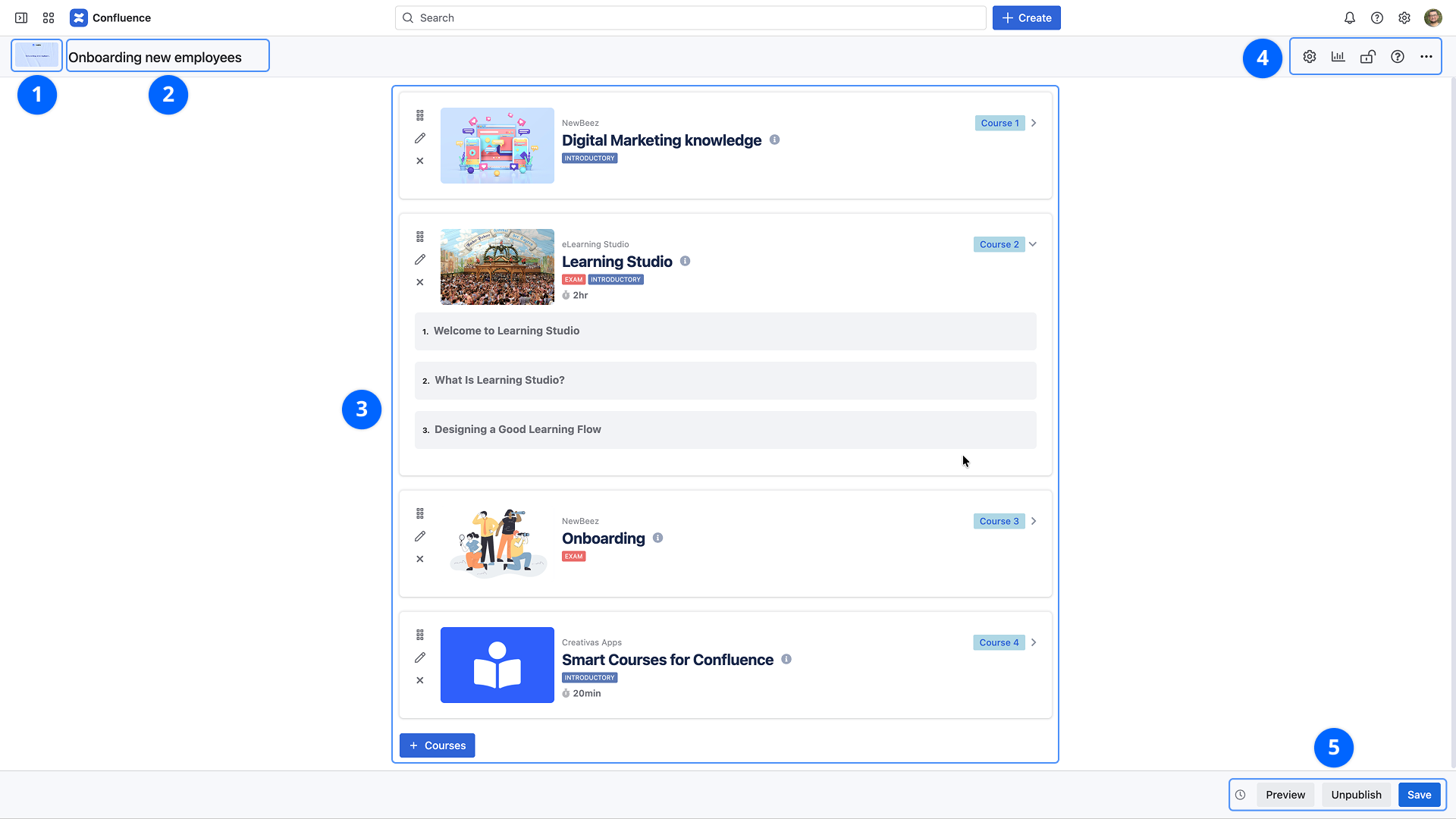
Setting the thumbnail. For further details, check the configuration.
2. Title
The title will be displayed in the Catalog, and the player. Defining a clear and complete title is important so that users can find it easily. Note that the title is indexed in Confluence searches.
3. Selected courses
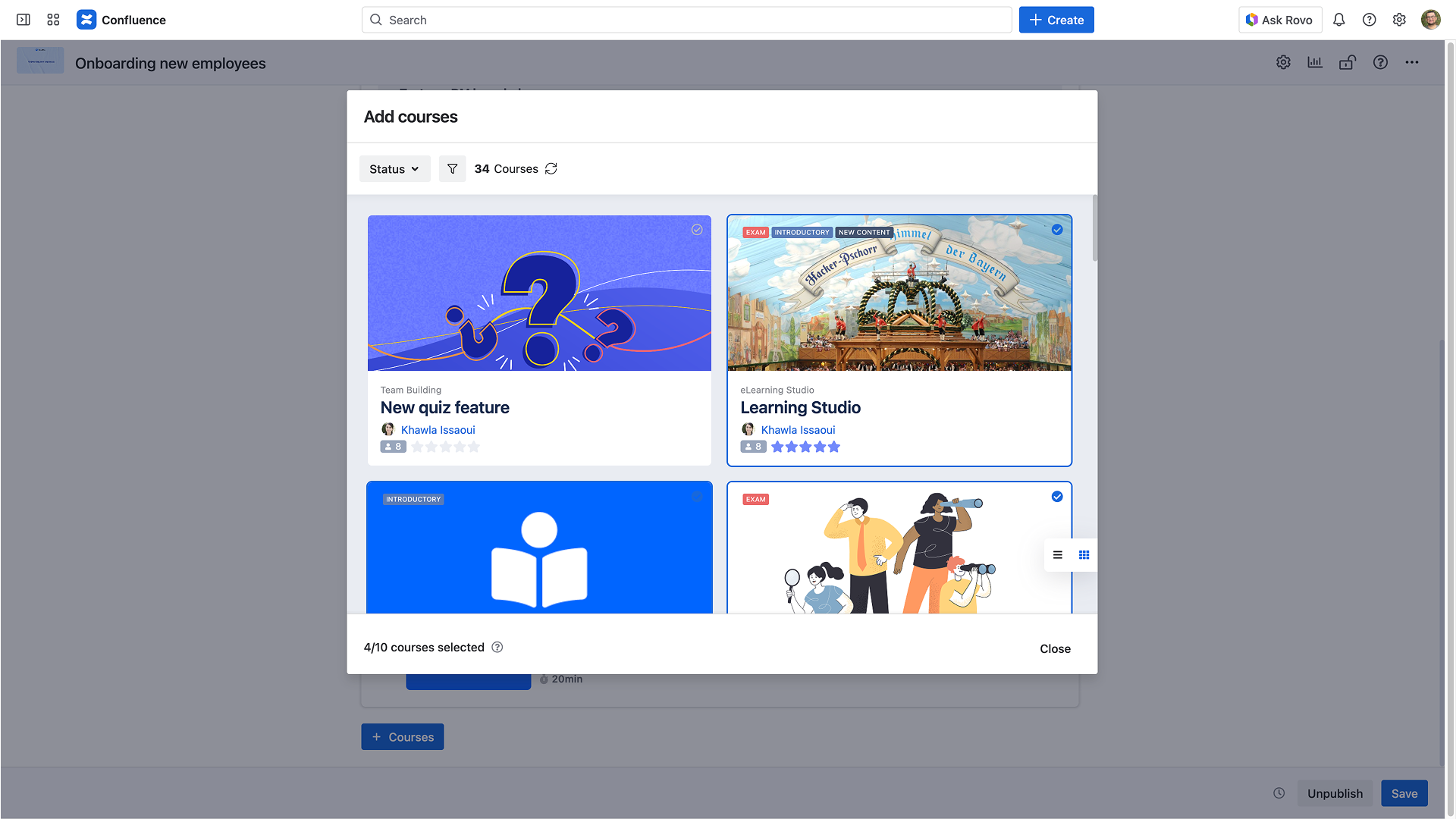
You can add and remove courses from the learning path.
Learning Paths can contain up to up 10 regular courses or exams. SCORM courses are not supported.
You can close the selection window and then drag and drop the selected courses to rearrange the content.
4. Learning path options
This part is for modifying the learning path options. For further details, check the configuration.
5. Publishing
Preview: Allows previewing the learning path. It is important to save the learning path before displaying the preview
Publish / Unpublish: Allows controlling the learning path's visibility in the Smart Courses catalog; a learning path is only visible to learners if it is published
Save: Saves all changes made to the content and its options
Smart Courses does not automatically save content. The creator or contributor needs to save changes before leaving the page.