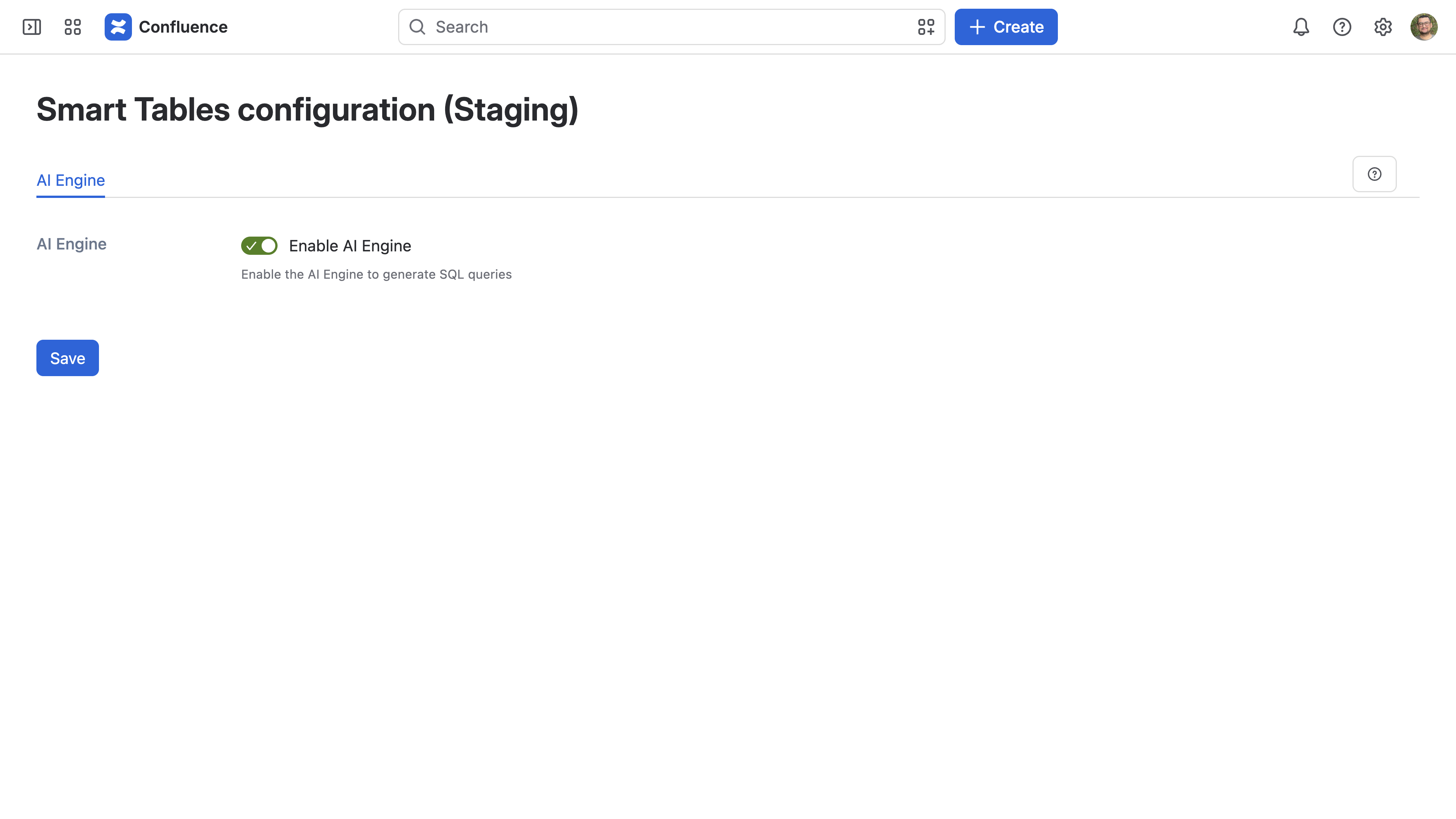
Navigate to the Confluence administration > Apps > Smart Tables configuration and enable the AI Engine to generate SQL queries.
Once enabled, the AI Mode button becomes available in the SQL table editor. Turning the toggle off again hides AI Mode; queries that were already written and saved are unaffected.
AI Mode is managed by a Confluence administrator and is enabled by default.